Best AI Dance Video Generators in 2026: How to Choose
 Shan Shen Bu AI Team
A buying guide by job: photo-to-dance, text-to-video, pet clips, memes and studio editing, with a criteria table and an honest note on our own tool.
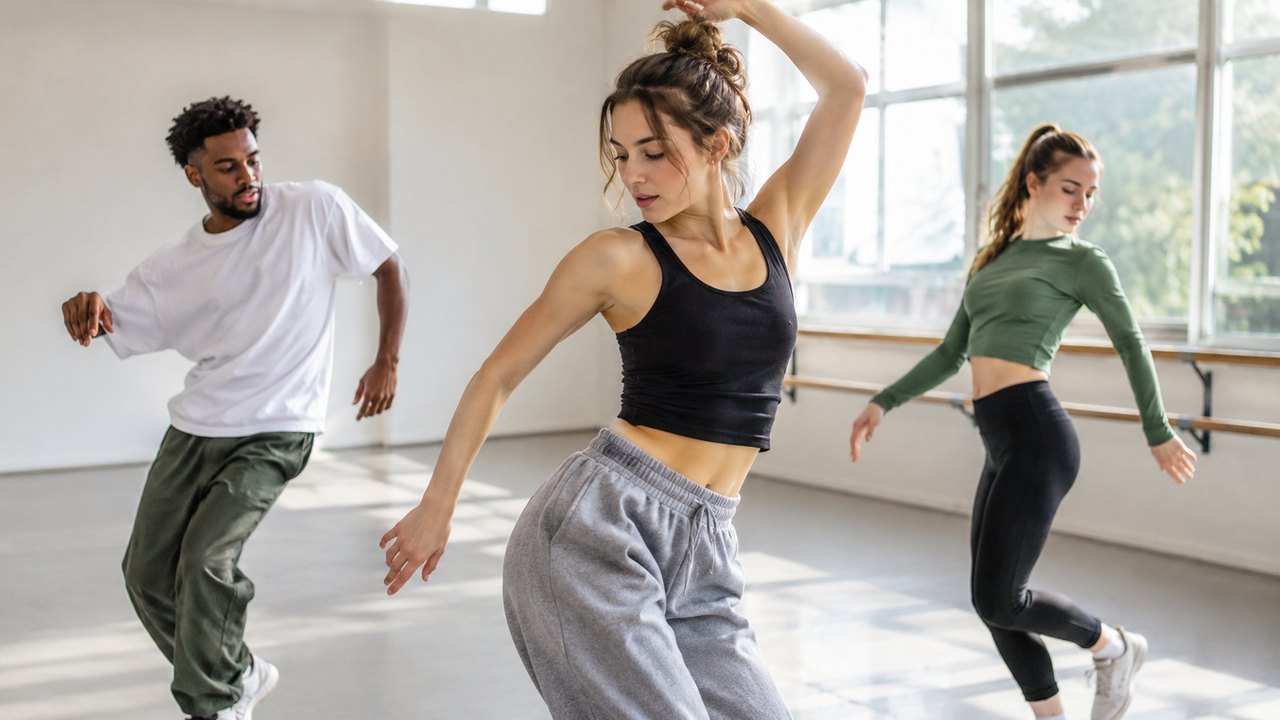
The right AI dance video generator depends on what you are holding when you start: a photo, a sentence, or a pet. Most "best of" lists rank tools by feature count. That is the wrong order. A tool with twenty features is useless if it cannot accept your input, and a tool with three features can be perfect if one of them is the one you need.
This guide sorts generators by job, lists the criteria that actually change the outcome, and explains how to compare cost per usable clip instead of sticker price.
One disclosure before we start: Shan Shen Bu AI, the site you are reading, is one of the tools in this category. We will describe what it does and does not do, and we will keep the rest of the category generic, because we cannot verify other products' current behavior from the outside.
Ejemplo cargado: edítalo o genera.
This clip: 30 credits · 11 clips a month for $39.90 (Pro), or 120 a year for $319
Start with the job, not the tool
Most people arrive at an AI dance generator with one of five jobs. Find yours before you compare anything.
| Job | What you have | What you need | | ---------------- | --------------------------- | -------------------------------------------------------- | | Photo to dance | One clear photo of a person | Identity preservation, full-body motion, vertical output | | Text to video | A scene description | Prompt adherence, a readable character, camera control | | Pet clip | A photo of a cat or dog | Animal input support, whole-body motion | | Meme or reaction | An idea and a deadline | Speed, vertical output, low cost per try | | Studio editing | Footage or a generated clip | A timeline, sound sync, text and export control |
These jobs overlap, but the priorities do not. A photo-to-dance tool lives or dies on likeness. A text-to-video tool lives or dies on prompt accuracy. A meme tool lives or dies on cost per attempt. Buying one tool to do all five is how people end up with a subscription they do not use.
Job 1: photo to dance
This is the hardest job and the one most people actually want. The model has to recognize a person from a still image and invent a moving body that stays recognizably that person.
What to check:
- Input rules. Does it accept one person, two people, a pet? Is there a minimum resolution or a required pose?
- Full-body handling. A tool that only animates the upper body cannot do a routine built on footwork.
- Identity preservation. Look at example outputs and ask whether the face stays consistent through motion, not just in the first frame.
- Duration. Ten to fifteen seconds is enough for a short dance. Five seconds is a reaction, not a routine.
- Aspect ratio. Vertical 9:16 is the default for short-form. Landscape is a bonus, not a requirement.
What goes wrong: hands merge, feet slide, the face changes at the halfway point, and the background warps. These are normal failure modes of the category, not signs that you did something wrong. The question is whether the tool's failure rate is acceptable at its price.
Job 2: text to video
Text-to-video is the right choice when there is no real person to preserve. You describe a scene, a character or a silhouette, and the model builds it.
What to check:
- Prompt adherence. Does the output actually contain the action you described?
- Character consistency. A generic dancer is fine for a trend clip, but a character that changes clothing mid-clip is not.
- Camera control. Can you ask for a static shot, a push-in or a full-body frame?
- Text handling. On-screen text generated by a video model is usually unreliable. Plan to add captions in an editor.
Text-to-video is also the safer option when you want to make a shan shen bu clip without using anyone's likeness, including your own. A stylized or animated character avoids the consent questions that come with real faces.
Job 3: pet clips
Pet clips are a distinct job because the input is a different species. A model tuned for human faces may accept a dog photo and produce something unsettling.
What to check:
- Explicit pet support. The tool should say it accepts cats or dogs, not just "any photo."
- Whole-body motion. You need the legs and tail visible, not a floating head.
- Fur and paw handling. Fine fur and small paws are where artifacts show first.
- One animal per photo. Multi-pet photos usually confuse the subject selection.
If a tool does not advertise pet input, do not assume it will work. Test with the cheapest possible render before buying a pack.
Job 4: meme and reaction clips
Meme clips are disposable. The value is in the idea and the timing, not in a 4K master. For this job, prioritize:
- Cost per attempt. You will make several versions of the same joke.
- Turnaround. A clip that takes an hour is too slow for a trend.
- Vertical output. The meme lives on a phone.
- Silence. A silent file lets you attach the sound that is trending now.
A tool that costs more per render but produces a usable clip on the first try can be cheaper than a tool that costs less and needs four attempts. That is why cost per usable clip matters more than cost per render.
Job 5: studio editing
No AI generator replaces an editor. If you need frame-accurate cuts, keyframes, captions, sound sync and a clean export, you need a timeline.
The practical setup is a generator plus an editor: generate a clean, silent clip, then bring it into an editor for sound, text, trimming and the AI label. Treat the generator as a footage source, not a post-production suite.
The criteria that matter
| Criterion | What to check | Why it matters | | ---------------- | ----------------------------------------------- | --------------------------------------------------- | | Accepted inputs | Photo, text, pet, one or two people | If your input is not supported, nothing else counts | | Output length | 10–15 seconds for a dance routine | Short clips cannot hold four beats | | Aspect ratio | 9:16 default, other ratios if needed | Vertical is where short-form lives | | Likeness | Face, hair, clothing, body shape through motion | The clip should read as the person in the photo | | Failure handling | Automatic refunds, retries, previews | Learning the tool should not cost full price | | Output file | MP4, watermark or no watermark, resolution | A watermarked file limits where you can post | | Price clarity | Credit table and cost shown before generating | You cannot compare what you cannot calculate | | Privacy | Private results, account access | Your face and your files are sensitive |
Compare cost per usable clip
Sticker price is misleading. Use this formula:
Cost per usable clip = (pack price ÷ credits in pack) × credits per render ÷ success rate
An example with our numbers, because they are the ones we can state exactly. A standard 720p 12-second render costs 35 credits. The Single pack is $9.90 for 35 credits, so one standard clip costs $9.90 if it works first time. The Duo Pack is $19.90 for 105 credits, or three standard clips, which is about $6.63 each. A 480p 12-second draft costs 20 credits, so testing an idea is cheaper than publishing it.
If two out of three renders are usable, divide by 0.67. The effective cost rises. Apply the same math to any tool: find the credit or token cost of one render, find the price of the smallest pack, and divide by the number of usable outputs you expect. A free tier with a watermark is not free if you have to pay to remove it.
What Shan Shen Bu AI does
Since this is our site, here is the plain description.
- Input: one clear photo of one or two people, or a cat or dog, or a text prompt.
- Output: a 10 to 15 second vertical clip, 9:16 by default, of the four-beat shan shen bu routine.
- Model: Seedance 2.0 through kie.ai.
- Sound: none. Generated clips are silent; you add a trending sound in TikTok or CapCut.
- File: MP4, no watermark, downloadable from your account.
- Price: 720p 12 seconds is 35 credits; 720p 10 seconds is 30; 720p 15 seconds is 44; 1080p 12 seconds is 90; 480p 12 seconds is 20. Failed renders refund credits.
- Free tier: none. Accounts start at zero credits, because a free video render is farmed by scripted sign-ups and still costs real money upstream.
- Account: email one-time code, no password. Results are private to the account.
What it does not do: it does not generate audio, it is not a timeline editor, it does not guarantee a perfect likeness, and it does not offer unlimited free renders. If those are requirements, pair it with an editor and budget for retries.
The output is a generated performance, not real footage. Label it as AI-generated when you post it, and do not present it as a recording of the original class or of the person in the photo.
The AI dance feature page goes deeper on the four beats, and the Chinese dance meme generator page covers the meme use case.
What to avoid
- Tools that hide the price until after signup. You cannot budget what you cannot see.
- "Unlimited free" claims. Someone pays for the compute; usually it is you, in watermarks, queues or data.
- Perfect-likeness promises. No current generator delivers a perfect copy from one photo.
- Uploading someone else's face without consent. A photo is personal data, and a generated clip of a person who did not agree is a problem regardless of the tool.
- Reusing the original class footage. The trend came from a teaching clip, but reposting that clip is not the same as making your own version.
FAQ
What should I check before paying for an AI dance generator?
Check the accepted inputs, the output length, the aspect ratio, whether the file has a watermark, and how failed renders are handled. Then check the price of one render, not the headline subscription price. If any of those is unclear, ask before paying.
Are free AI dance generators worth using?
Sometimes, for a test. Free tiers usually add a watermark, a queue or a resolution cap, and those limits matter if you plan to post the result. Use free tiers to evaluate the input handling, then decide whether the paid output is worth it.
Can AI dance apps handle pets?
Some do, but only if the product explicitly supports animal photos. A human-face model given a dog photo can produce malformed results. Check for a stated pet input and test with the cheapest render before buying a pack.
Do I need a GPU or a fast computer?
No. The generation runs on the provider's servers, and you need a browser and a stable connection. Editing the downloaded MP4 is the part that benefits from a faster machine, and even that works on a phone with a basic editor.
How do I compare cost per usable clip?
Find the credit cost of one render and the price of the smallest pack that contains it, then divide by the share of renders you expect to use. Include retries and failed attempts. The tool with the lower sticker price can be more expensive per usable clip if it needs more attempts.
Choose by job, then check the price
Write down your job first: photo to dance, text to video, pet, meme or editing. Then check inputs, output length, watermark, refund policy and price per render. If your job is a photo-to-dance routine and you want to start today, open the studio with one clear full-body photo. The pricing page lists every pack and what it buys, and the AI dance feature page explains the routine beat by beat.
Guías relacionadas
What Is Shan Shen Bu? Meaning, Origin and the Four Moves
Shan shen bu means flash step: a four-beat Chinese dance routine that went viral in 2026. Here is where it came from and what AI can and cannot do.
How to Make a Shan Shen Bu Video From One Photo
Turn one clear photo into a 10 to 15 second vertical shan shen bu clip. The full eight-step workflow, a photo checklist and the failures to expect.

Shan Shen Bu AI Prompts That Keep the Face and the Moves
A six-part prompt formula for shan shen bu AI video: subject, scene, four-beat action, camera, identity lock and exclusions, with four full examples.