Corridor · Deadline · Four beats

Shan Shen Bu Office Escape

The office version is the joke that made the trend travel: someone is asked to take on more work, and instead of answering, they flash-step out of the way and finish the routine with a straight face.

The setting is ordinary on purpose. A corridor, a desk and a colleague in the background are enough. The comedy comes from treating a dodge like a normal workplace manoeuvre.

Images on this page are AI-generated illustrations, not records of a real event.

Updated 23 October 2026

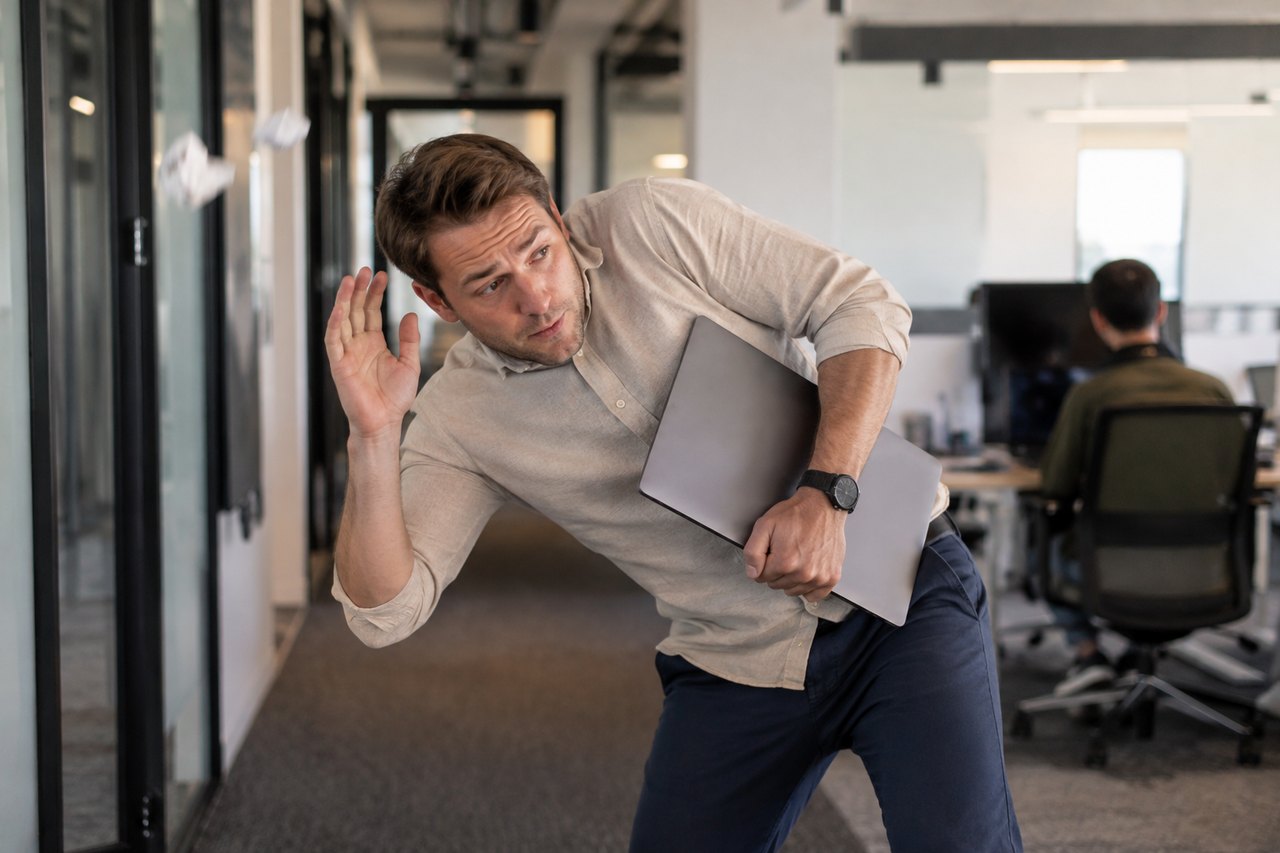
A performer mid side-step in a plain office corridor, desks and monitors behind, fluorescent light
Length
10–15 seconds
Resolution
480p · 720p · 1080p
Aspect ratio
9:16 · 16:9 · 1:1
Watermark
None on paid renders
Model
Seedance 2.0
Moderation
SeeAPI, fail-closed

Stage the ordinary

Desks, monitors, a mug and a colleague walking past. The scene should look boring before the routine starts.

One continuous take

A fixed camera at chest height keeps the side-step readable and makes the dodge feel like an escape, not a dance number.

Consent matters

If a colleague appears in your photo, get their permission. Do not use a real workplace’s logo or a recognisable badge.

How it works

  1. 1

    Choose the photo or write the scene

    A photo of the person in office clothes works best. Without one, describe the corridor, the light and the colleague in the background.

  2. 2

    Pick the office preset

    The office scene already contains the desks, the corridor and the four beats. Edit only if you need a specific detail.

  3. 3

    Keep it short

    10 seconds at 720p is 30 credits. The joke lands faster than a 15-second cut.

  4. 4

    Add a caption

    One line is enough: the task you are dodging. Label the clip as AI-generated.

Start from a tested prompt

Each prompt is complete: subject, scene, camera and what must not change. Copy it or open the studio with it pre-filled.

A deadpan employee finishing a head sway beside a desk, colleagues blurred in the background

Blue practice hall

The original studio look: four beats, one fixed camera, deadpan face.

Prompt (English)

Bright blue mirrored dance studio with a wooden floor and a ballet barre along one wall. The subject performs the shan shen bu (闪身步) flash-step routine in four clear beats: first a sudden sideways dodge, stepping the feet wide apart and dropping low before springing back to centre; second a langzi kick, lifting one knee and kicking the foot out to the side while the opposite arm swings across; third a bear shake, both arms flinging up and outward while the shoulders and whole body shake; fourth a deadpan head sway that ends with a direct look into the camera. If a reference photo is attached, keep the exact face, hair, body, outfit and background; do not add a second person. Fixed phone camera at chest height, one continuous take, vertical 9:16, no text, no watermark.

Use in studio

Office escape

Dodge out of work in an open-plan corridor, then finish the routine.

Prompt (English)

A plain open-plan office corridor with desks, monitors and a colleague walking past in the background. The subject performs the shan shen bu routine in four beats: a sideways flash step, a knee-lift side kick with an arm swing, a full-body shake with both arms up, then a deadpan head sway and a look into the camera. If a reference photo is attached, keep the exact face, hair, body and outfit. Fixed phone camera at chest height, one continuous take, vertical 9:16, no text, no watermark.

Use in studio

Pet living room

A cat or dog does a playful version on its hind legs at home.

Prompt (English)

A cosy living room with a sofa, a rug and warm afternoon window light. The cat or dog from the reference photo stands on its hind legs and does a playful four-beat shan shen bu: a quick side-step, a little kick, a full-body shake of the fur, then a head sway to the camera. Keep the animal's exact breed, fur colour and markings; do not turn it into a person and do not add a second animal. Fixed low camera, one continuous take, vertical 9:16, no text, no watermark.

Use in studio

The format that works

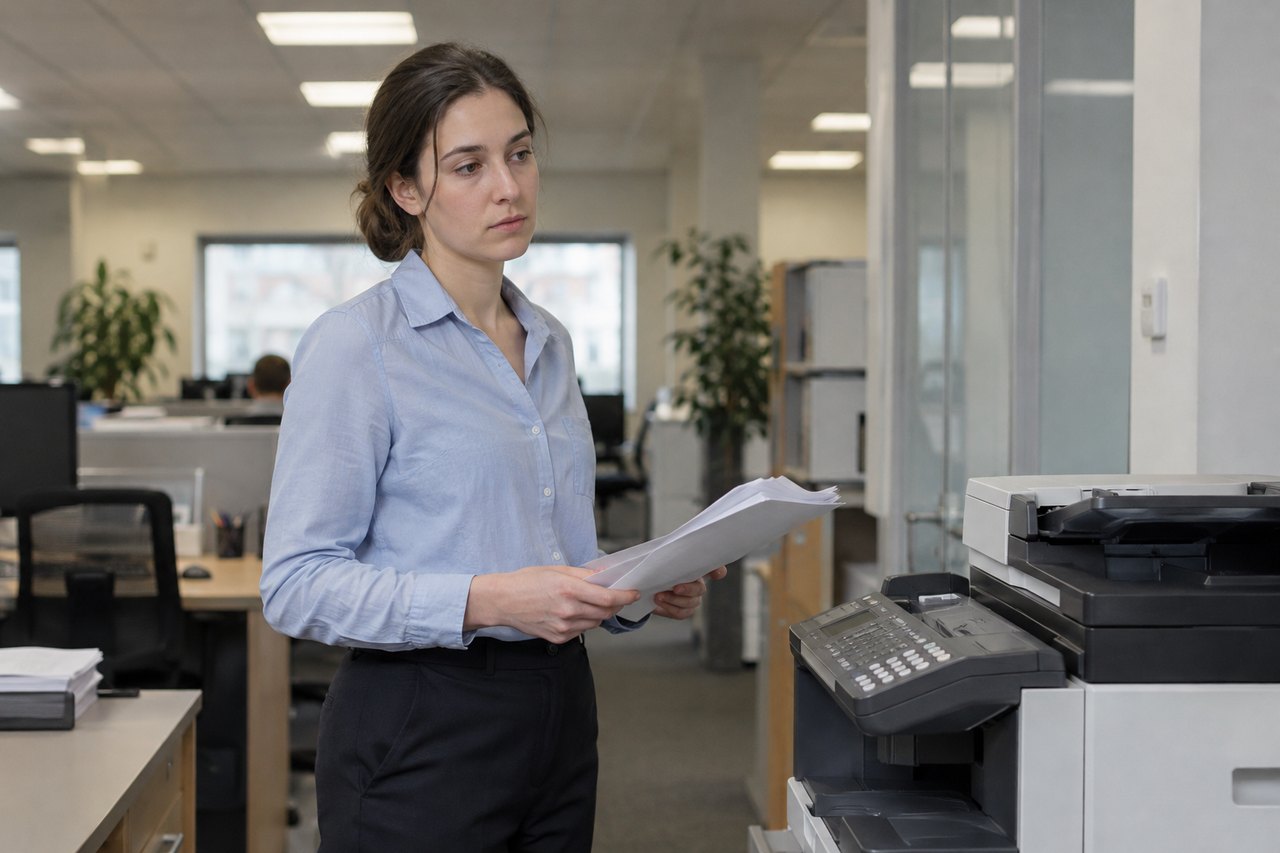
Start with the person doing something ordinary: holding a laptop, standing by a printer, walking to a meeting. Then the dodge. The contrast between the flat setting and the sudden, formal movement is the joke.

A caption helps, but it should be short. “When the meeting could have been an email” is a complete setup. A paragraph of explanation kills the timing.

Filming or generating

If you film it, a phone at chest height and a corridor with even light is all you need. Film the full body and leave a beat of stillness at the start. If you generate it, use a full-body office photo and the office preset; the prompt already includes the four beats.

Do not use a real company logo, a badge or a recognisable internal document. The clip should read as a generic office, not as a specific employer.

Privacy and workplace rules

A photo taken in a workplace can contain screens, paperwork and people. Check the background before uploading, and get consent from anyone who appears. If your employer has rules about posting workplace footage, follow them.

The studio stores renders against your account and does not publish them. That does not remove your responsibility for the content you upload or post.

Questions people ask

Do I need an office photo?

No. The text prompt can build a generic corridor. A photo makes it personal and usually looks more convincing.

Can I use my real office?

Only with permission and after checking the background for screens, documents and people.

Why does the clip look too smooth?

A fixed camera and a plain corridor help. A moving camera or a busy background makes the render look staged.

How much is a clip?

A 10-second 720p clip is 30 credits; a 12-second standard video is 35. Credits are refunded if the render fails.

Can I add the original audio?

No. The clip is silent and the original recording is not licensed here. Add a platform sound in TikTok.

Is this affiliated with the companies in the meme?

No. It is an independent tool.

Turn your photo into a clip

Start with the preset on this page, or write your own shot. Credits are shown before you generate, and failed renders are refunded.